 BeforeShiftBox
Trail
A tool for After Effects
Timing shift — highlight streakTwo passes, nine stages, every control keyframable.
$29
Timing shift and highlight streak for After Effects.
ARRI built a small box for film cameras that offsets the shutter from the film movement. When the two fall out of step, anything bright drags across the frame in one direction while everything else holds sharp. It is a fault, done on purpose, and it has been a rental-only trick for decades.
I built it for a job that needed the look in After Effects. You can make it there by hand, from native effects, but the tools that did it for you were mostly for Resolve. So I built one, and thought anyone else working in AE might find it useful too.
ShiftBox does it in After Effects, on any footage, from a panel. It reads the highlights above a threshold you choose, smears them along an angle and length you choose in two passes, a bright core and a longer soft tail, then lets you colour, texture and destabilise the result. Everything underneath is native After Effects, so it renders anywhere AE does with nothing else installed.
BeforeShiftBoxTrail
 BeforeShiftBox
Column
 BeforeShiftBox
Diagonal

 BeforeShiftBox
Subtle
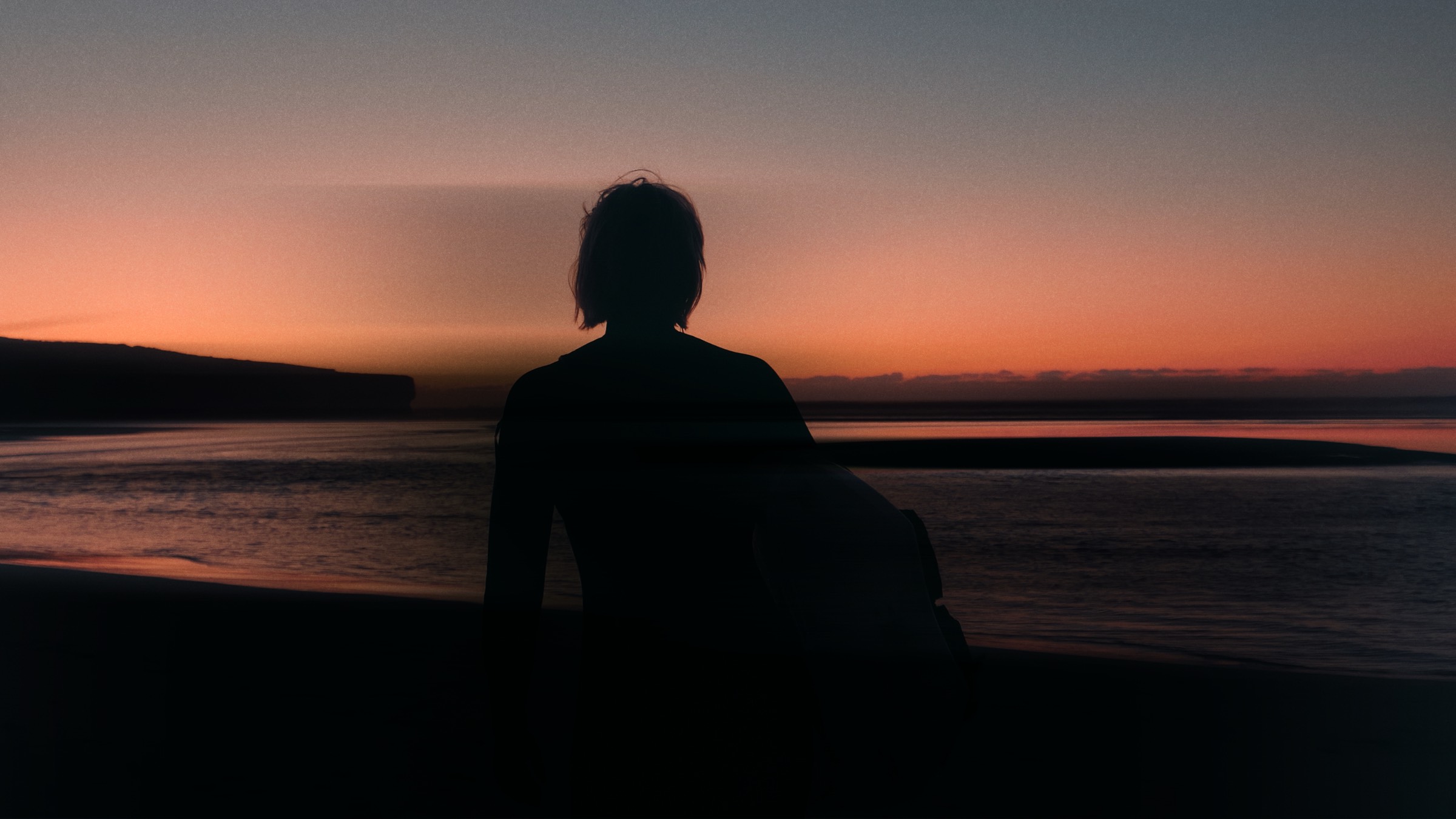 BeforeShiftBox
Shadows
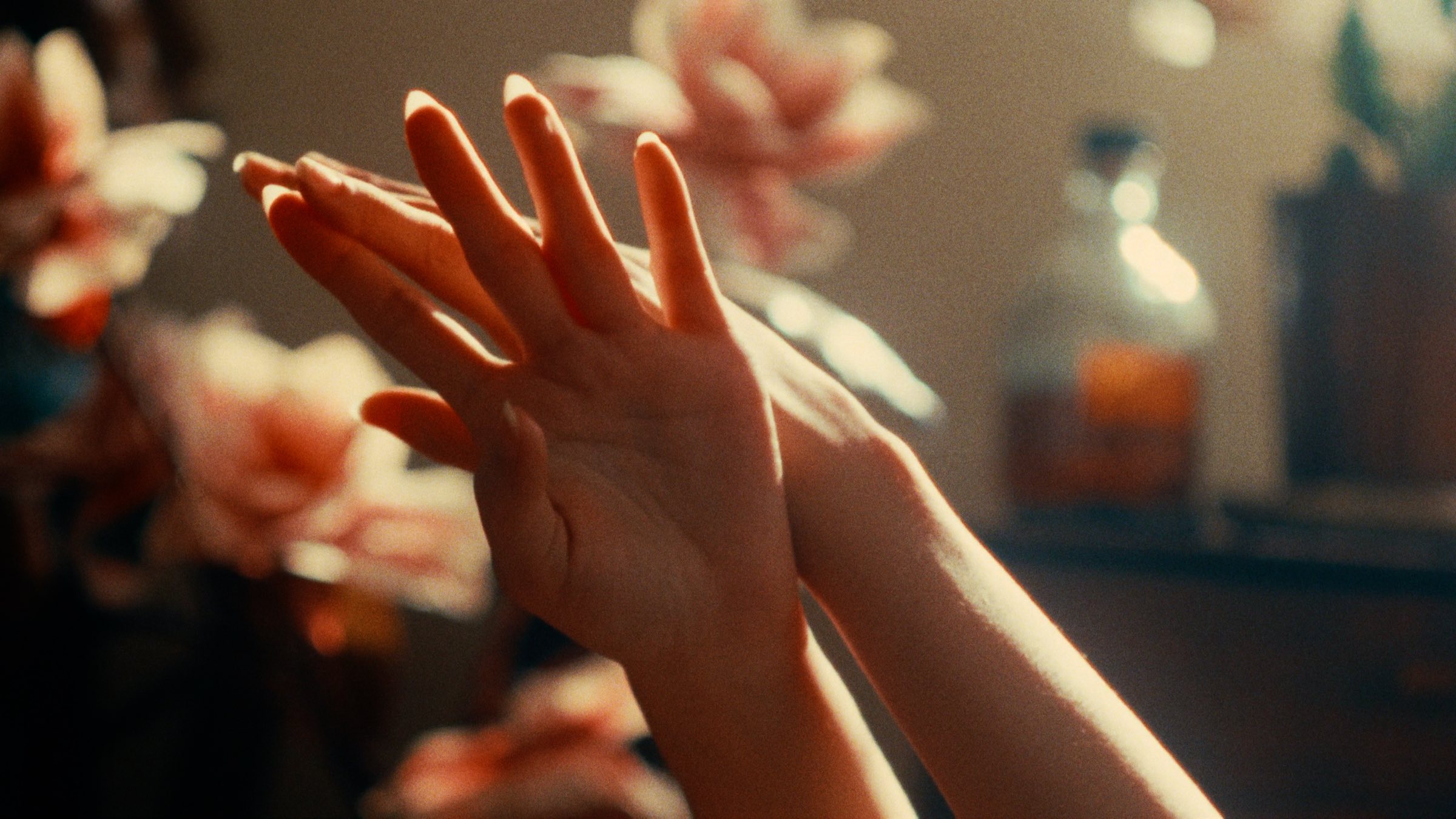
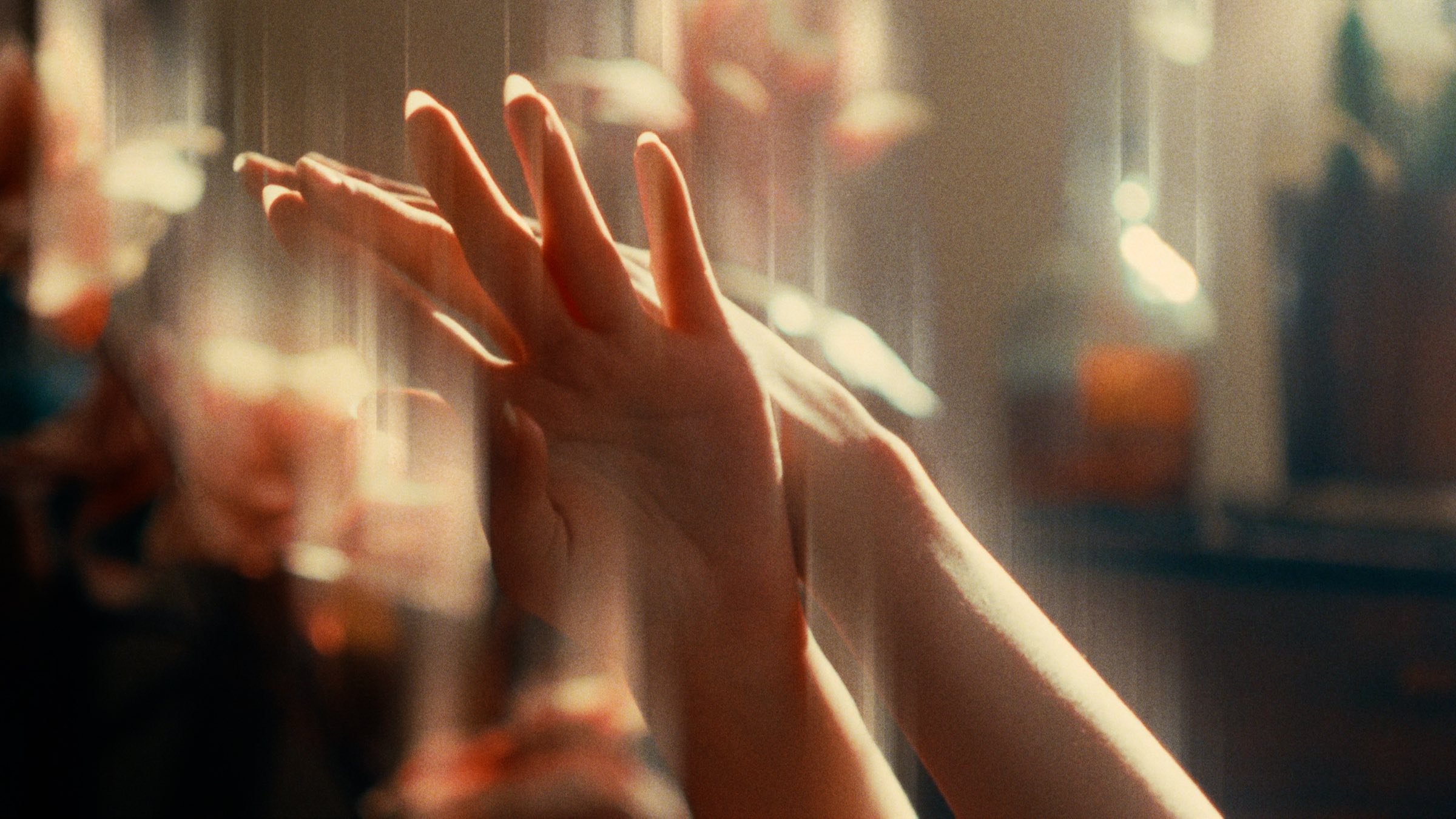 BeforeShiftBox
Randomise
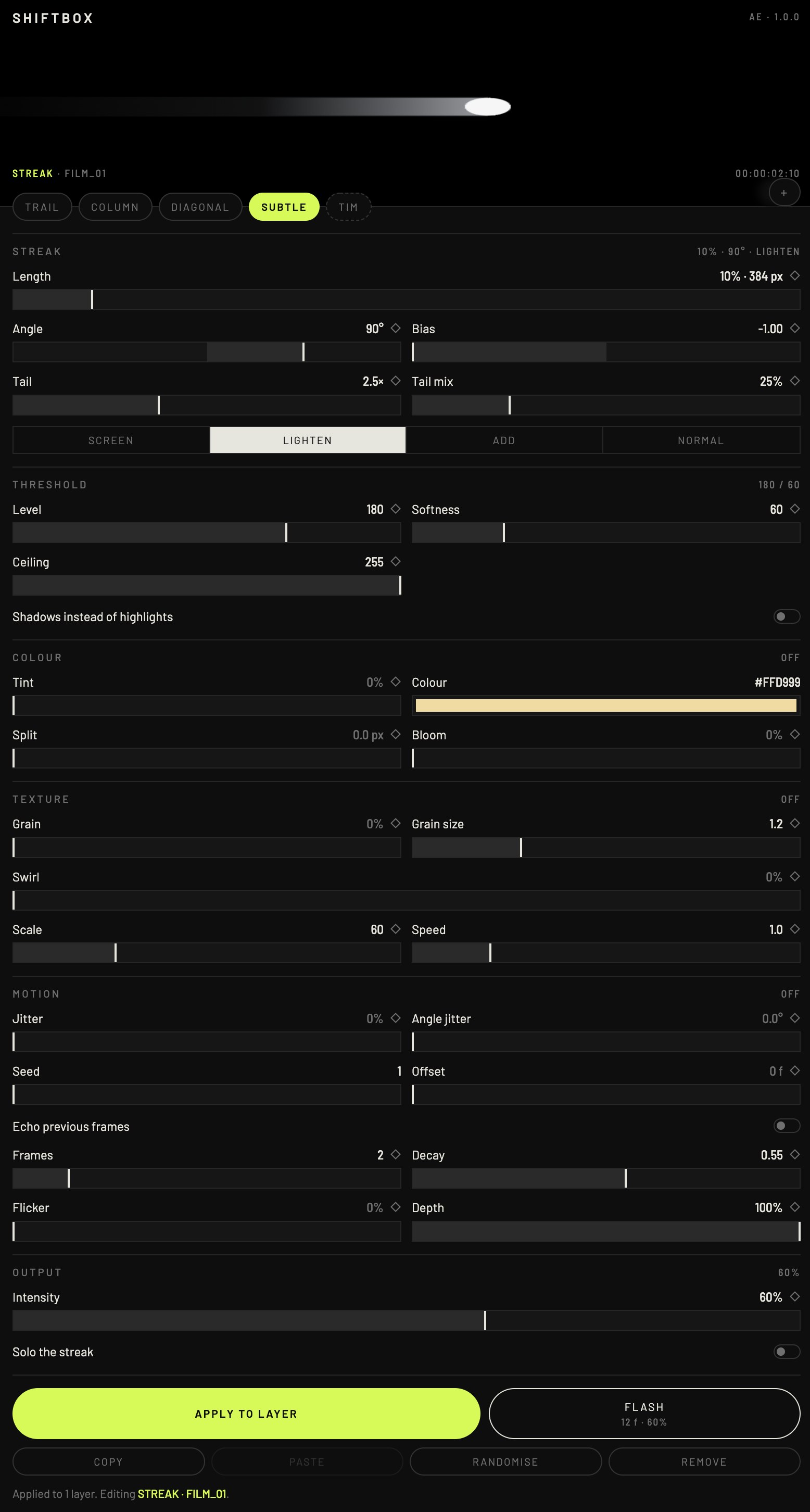
Streak
Length as a percentage of the frame, so a preset made on UHD lands on HD. Angle, any direction. Bias, one way like the real box or both ways. Tail, a second longer pass at its own mix. Blend: Screen, Lighten, Add or Normal.
Threshold
Level and softness decide what counts as a highlight. Ceiling excludes clipped whites. Shadows flips the whole thing so the darks smear instead.
Colour
Tint the streak without touching the shot. Split adds chromatic fringing along the smear. Bloom glows the source before it runs.
Texture
Grain on the streak only, moving every frame, seeded. Swirl distorts the smear from ragged edges to something almost liquid.
Motion
Jitter on length and angle. Offset runs the streak a few frames behind the shot. Echo ghosts previous frames. Flicker drops it out on random frames.
Keyframes
A stopwatch next to every control. Flash at playhead drops an eased pulse on length and intensity for cuts and transitions.
Workflow
Apply to several layers at once. Copy and paste settings between shots. Randomise within sane ranges. Solo the streak to judge the threshold. Remove strips it clean.
Presets
Four built in. Save your own, export and import them as a file.
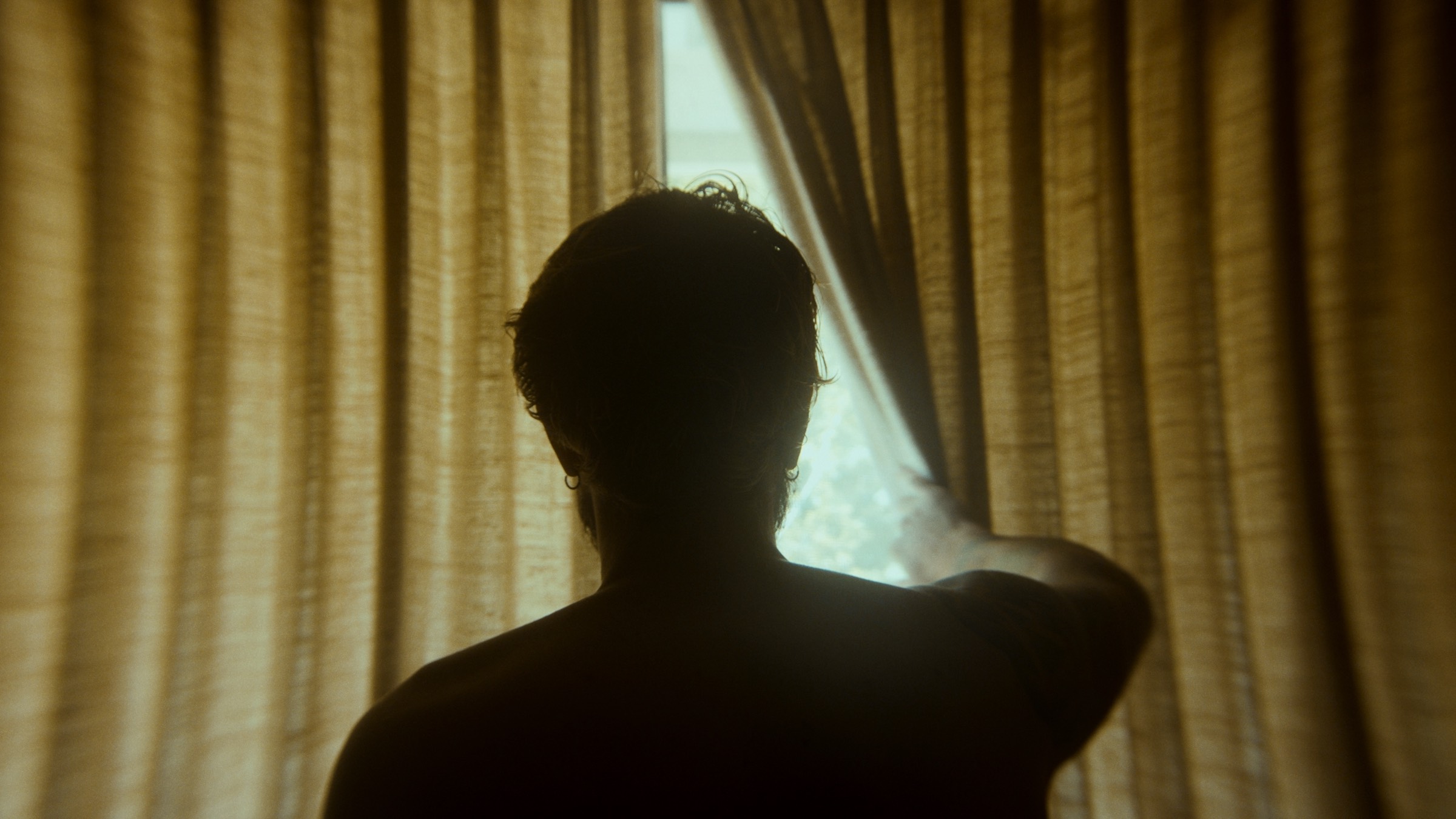
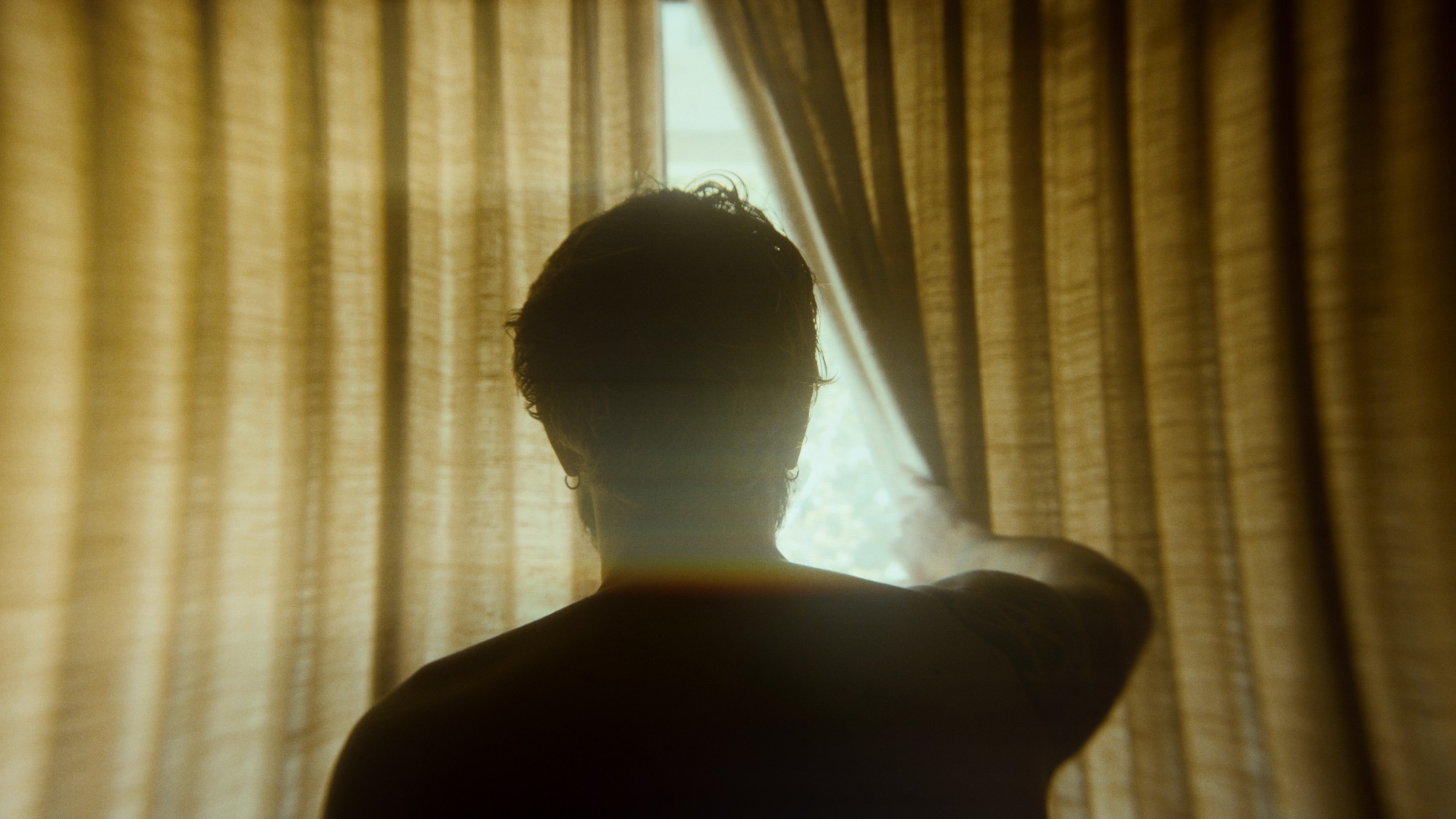
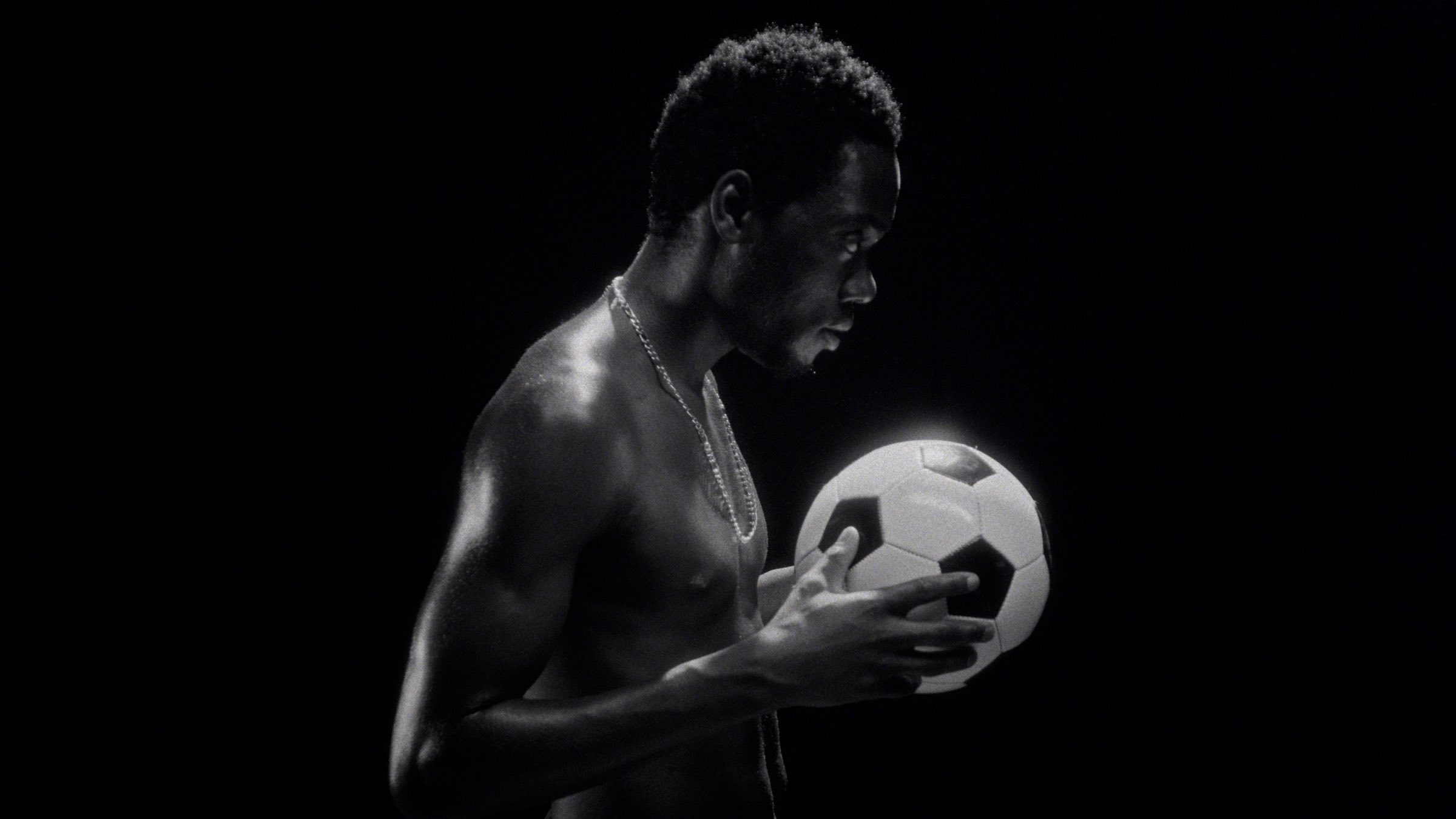
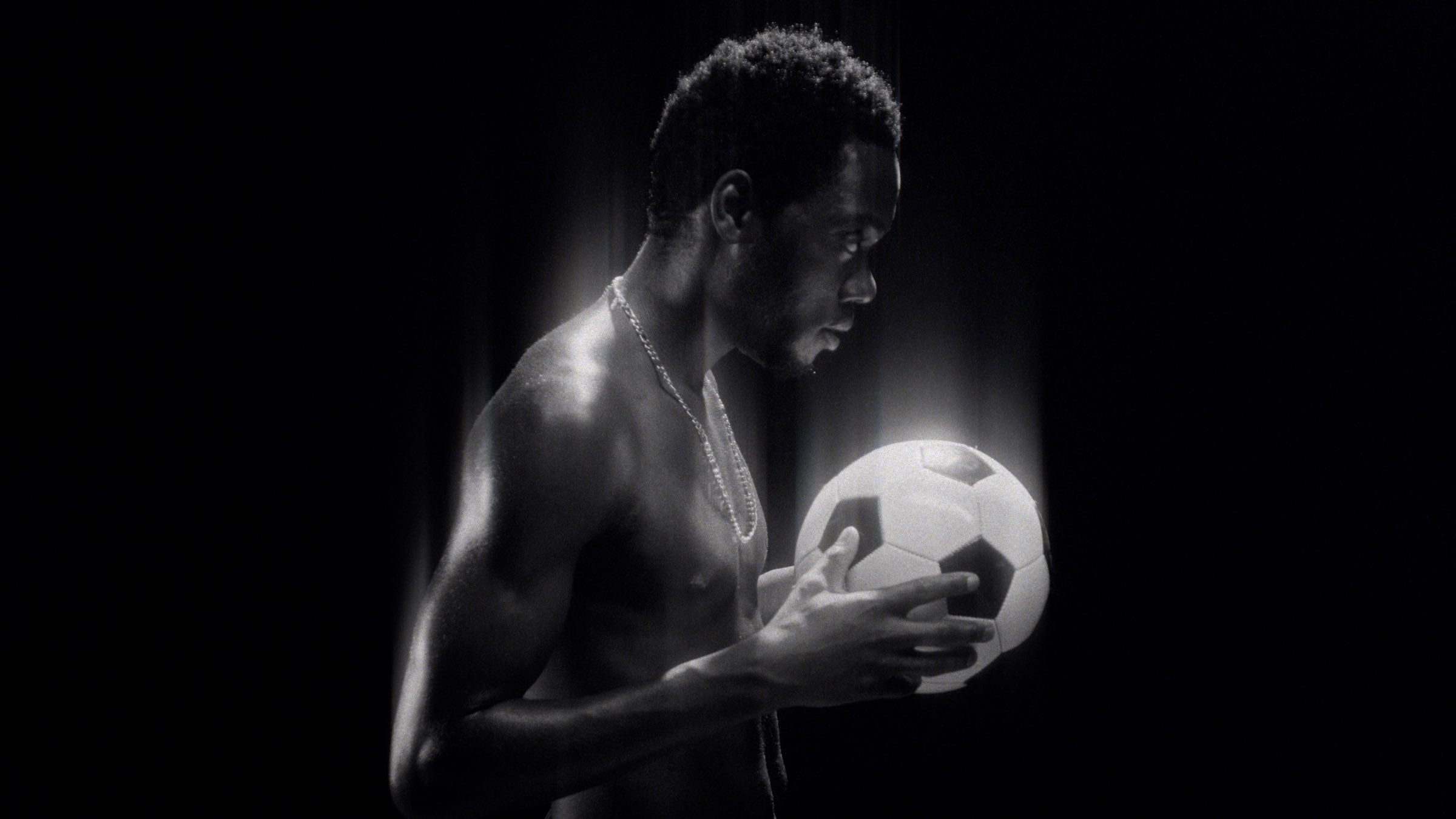
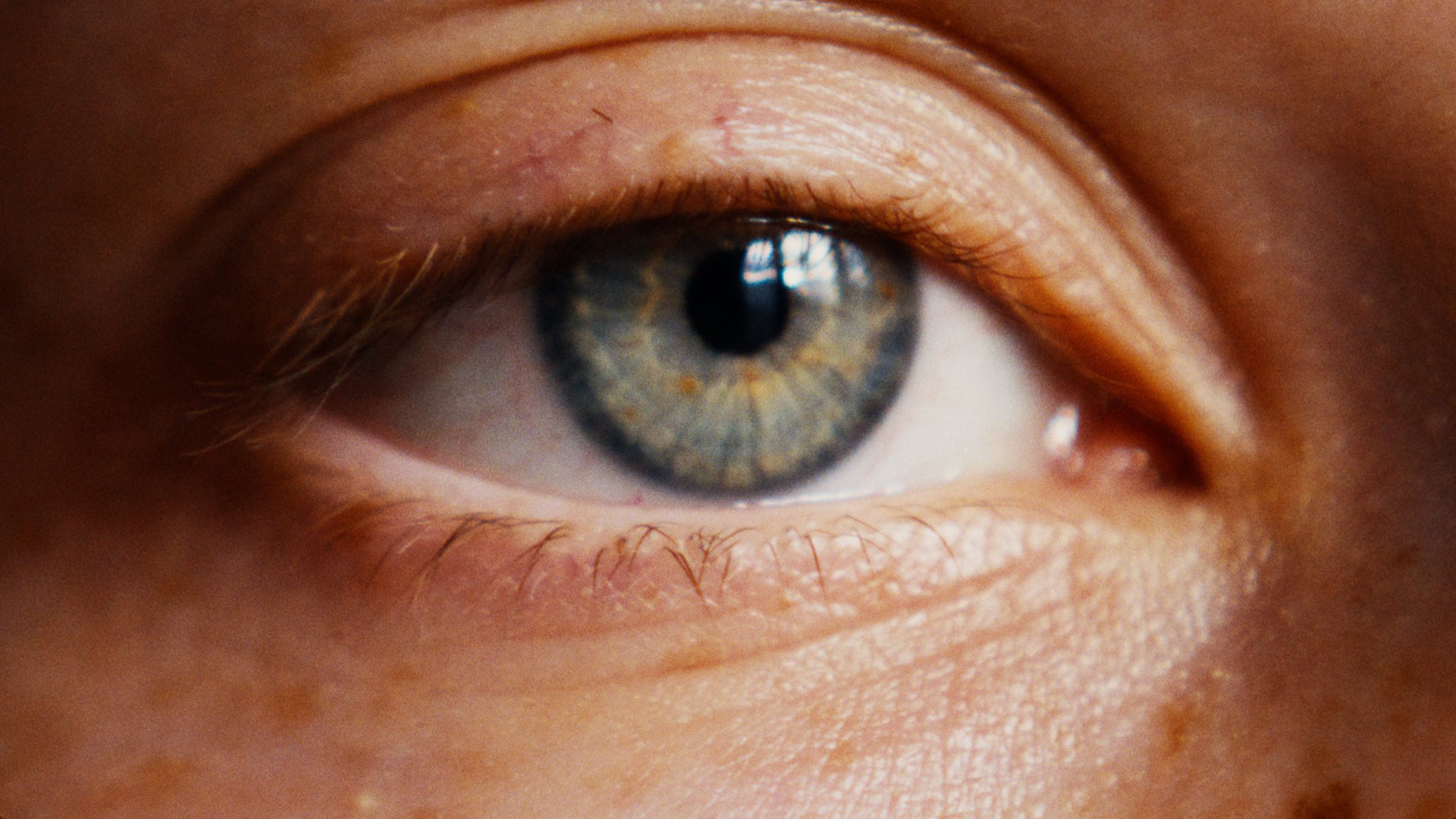
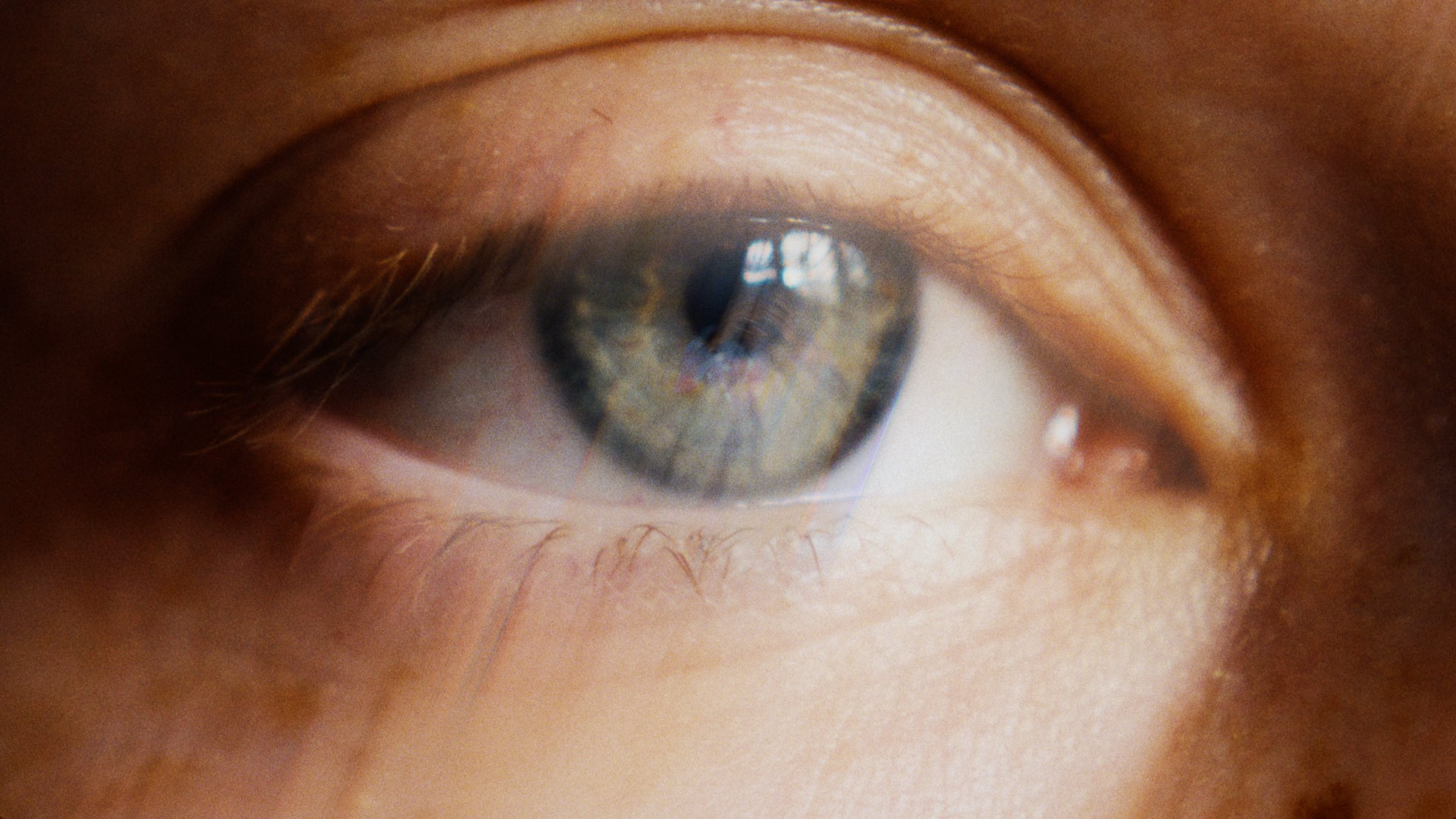
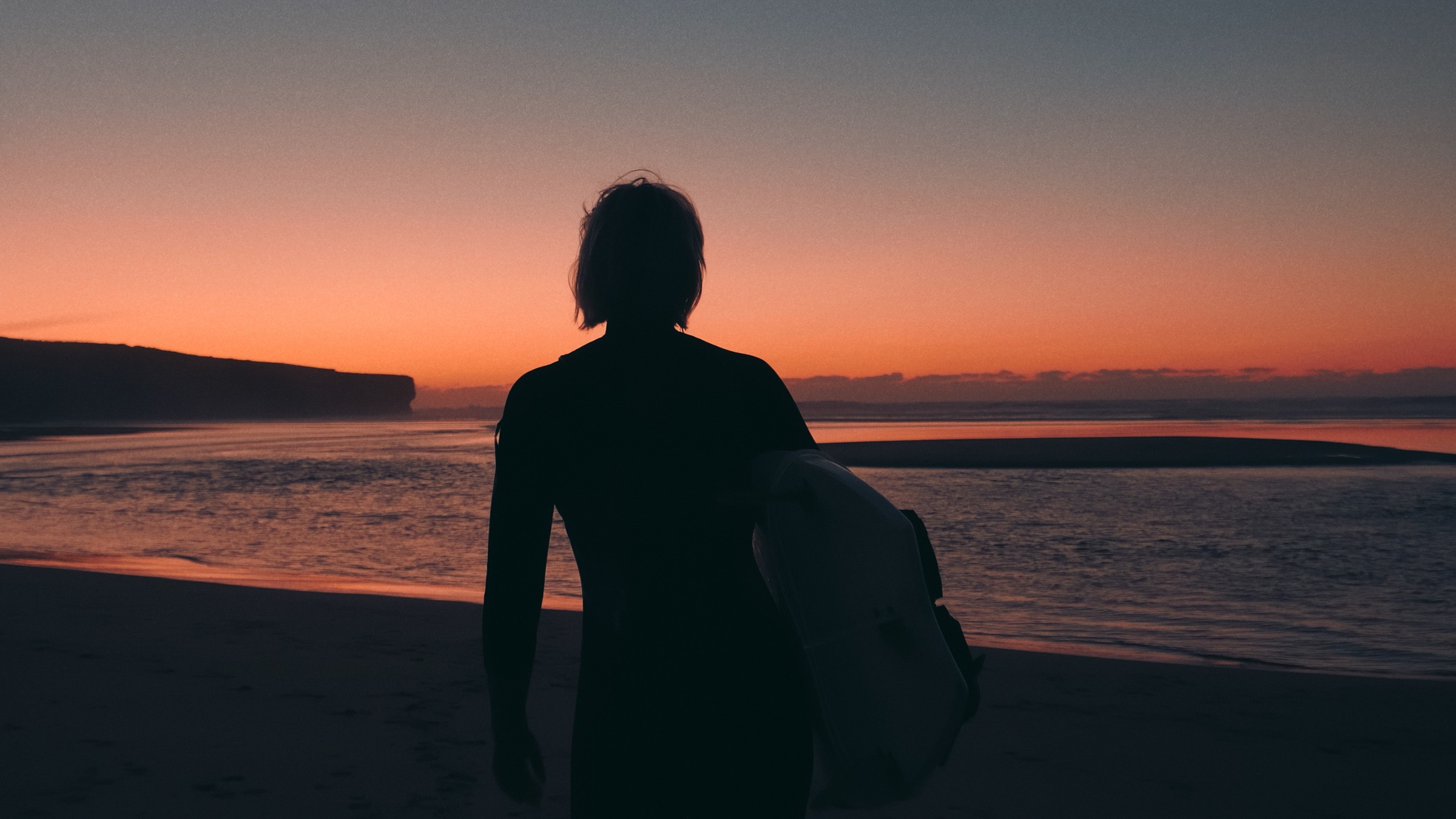
Each shot as it came in, then with ShiftBox over it. One panel, native effects underneath, nothing else to install.
$29
Instant download by email
Lifetime licence, free updates
macOS and Windows
Through Dynamic Link, yes: replace the clip with an After Effects comp, apply ShiftBox there. A native Premiere panel is on the roadmap and will be a free update for everyone who owns it.
A panel that builds and drives a stack of native After Effects effects on two layers above your footage. Nothing proprietary in the render path, so there are no compatibility surprises and it renders anywhere AE does, including Media Encoder and render farms, even on a machine without ShiftBox installed.
Two layers per shot: a STREAK layer holding the controls and the effect stack, and a TAIL layer for the longer second pass. Remove takes both away and leaves the footage as it was.
One licence covers your own machines. Studios with more than three seats, get in touch for a team price.
If it doesn’t do what this page says, email within 14 days and I’ll refund it.